
In the first 30 days we approved about 800 new products
The share of scans ending on the “no product” screen dropped by 5 percentage points, from 20% to 15%.

Zdrowe Zakupy helps shoppers make better food choices by scanning product barcodes. I redesigned how users add missing products: three photos read by OCR instead of typing out long ingredient lists.
Zdrowe Zakupy is an app with about 350,000 users that helps shoppers make more conscious shopping decisions based on their own dietary preferences.
I worked there in a small team and was responsible for many features: new content formats, paid brand collaborations and improvements to everyday use cases.
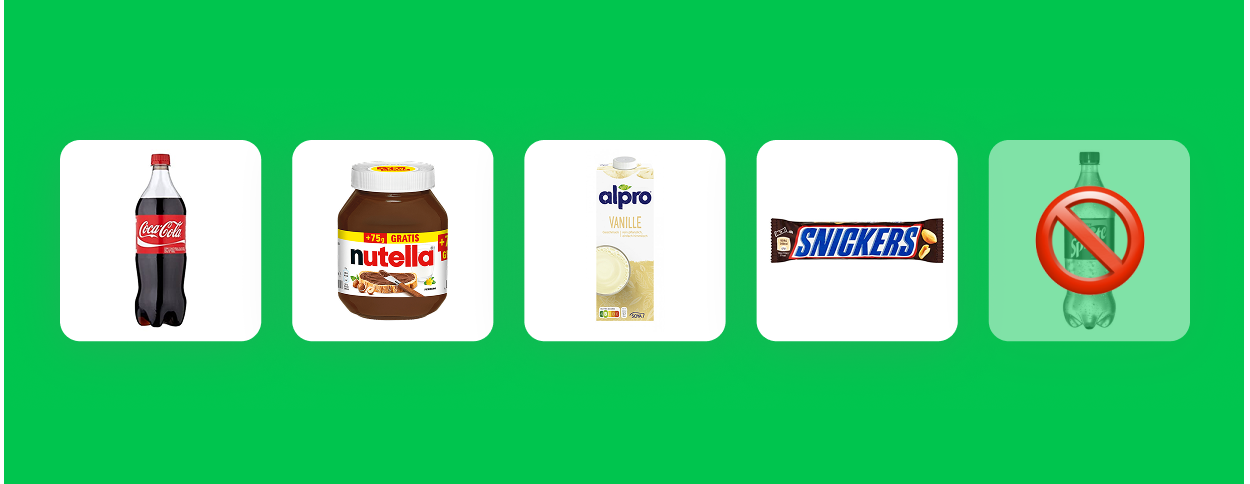
Grocery stores change and add products all the time, so users were seeing an empty “new product” page on roughly every fifth scan.
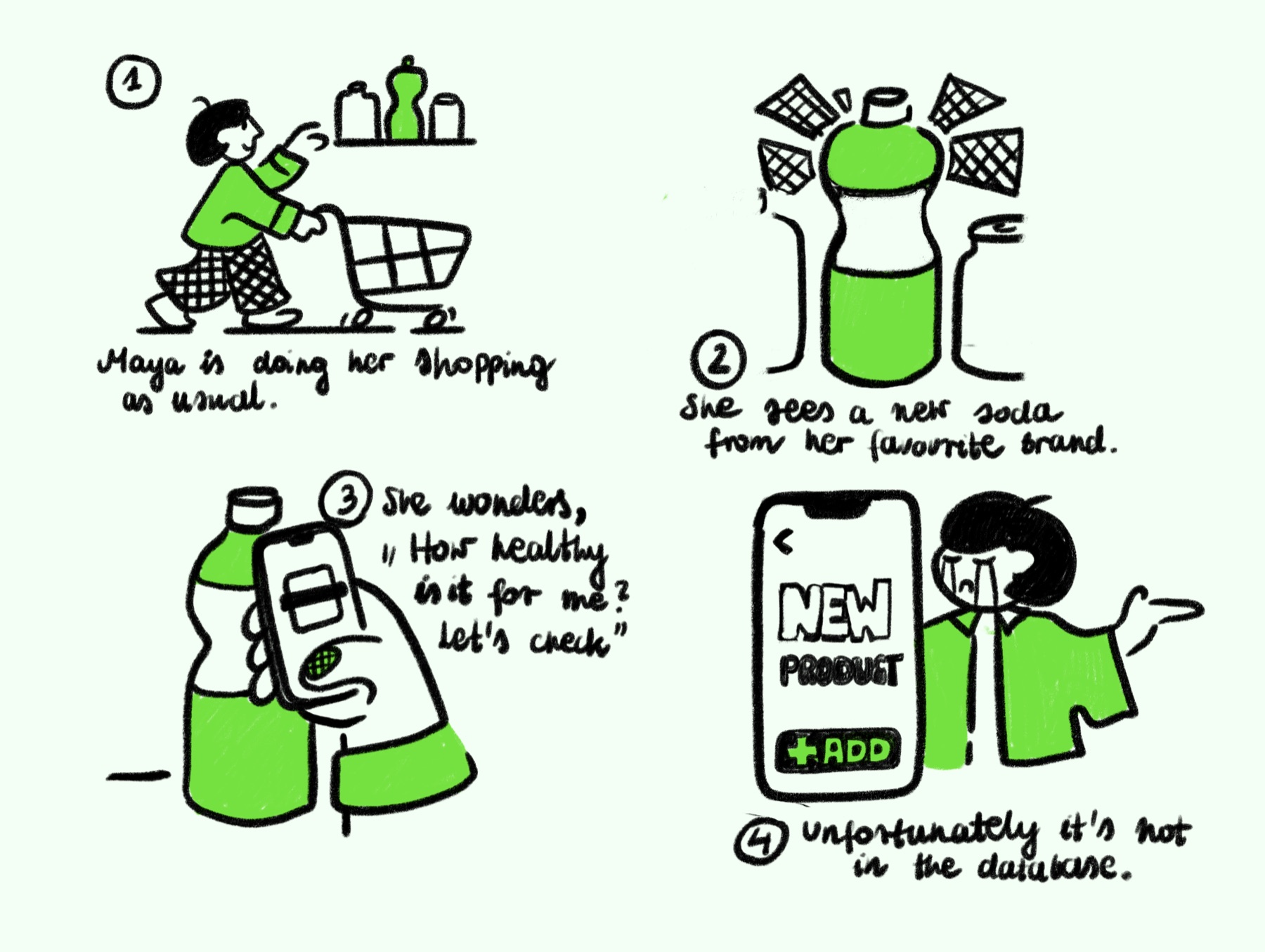
The app is only as good as its database. If a product isn’t there, we can’t show a score, and that happens exactly when someone is in the shop deciding what to buy.
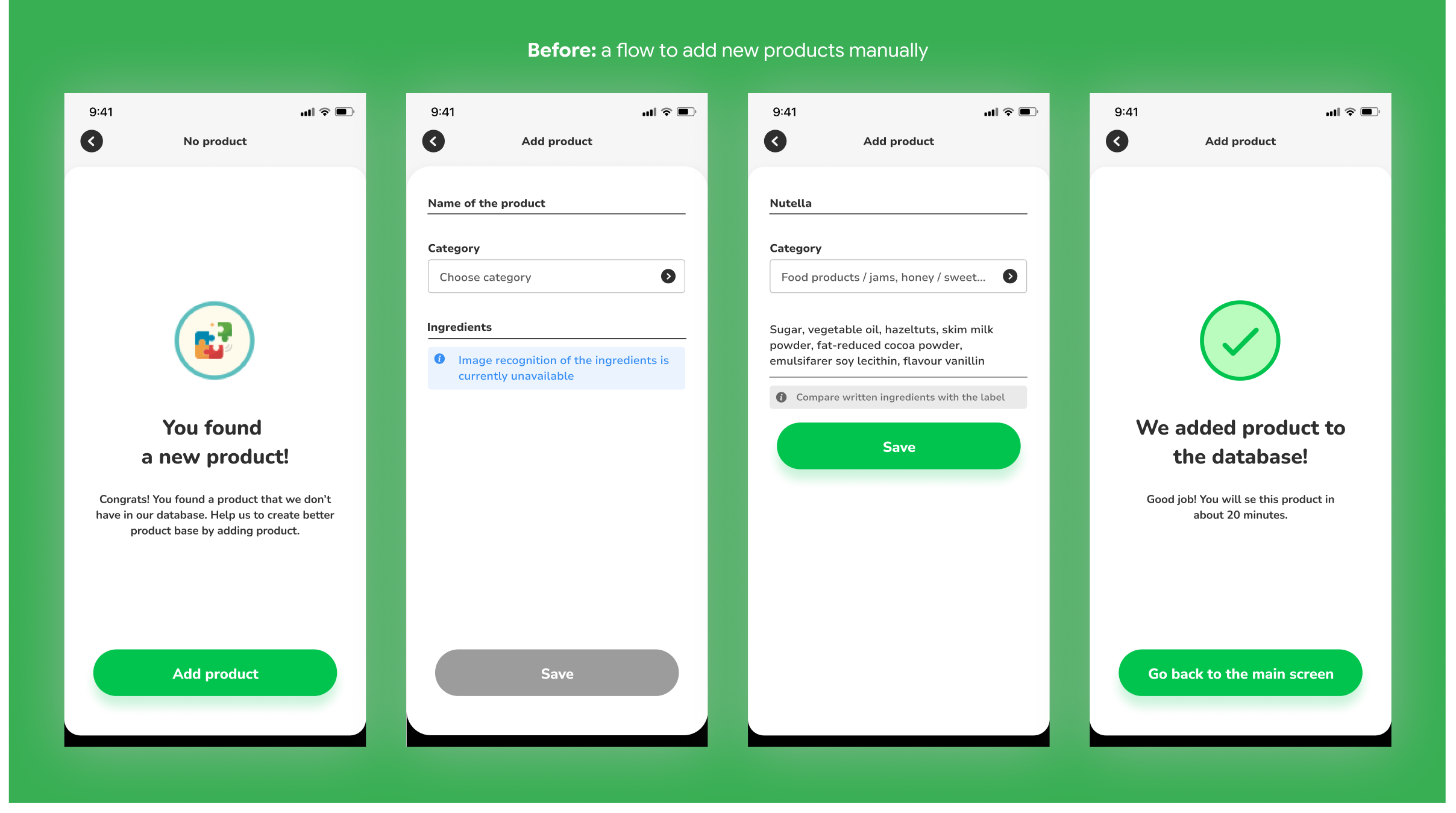
The old flow asked users to type the whole ingredient list by hand. For a product with 20+ ingredients it took a few minutes, in a shop, with a basket in one hand. People made mistakes, and wrong data ended up in the database.
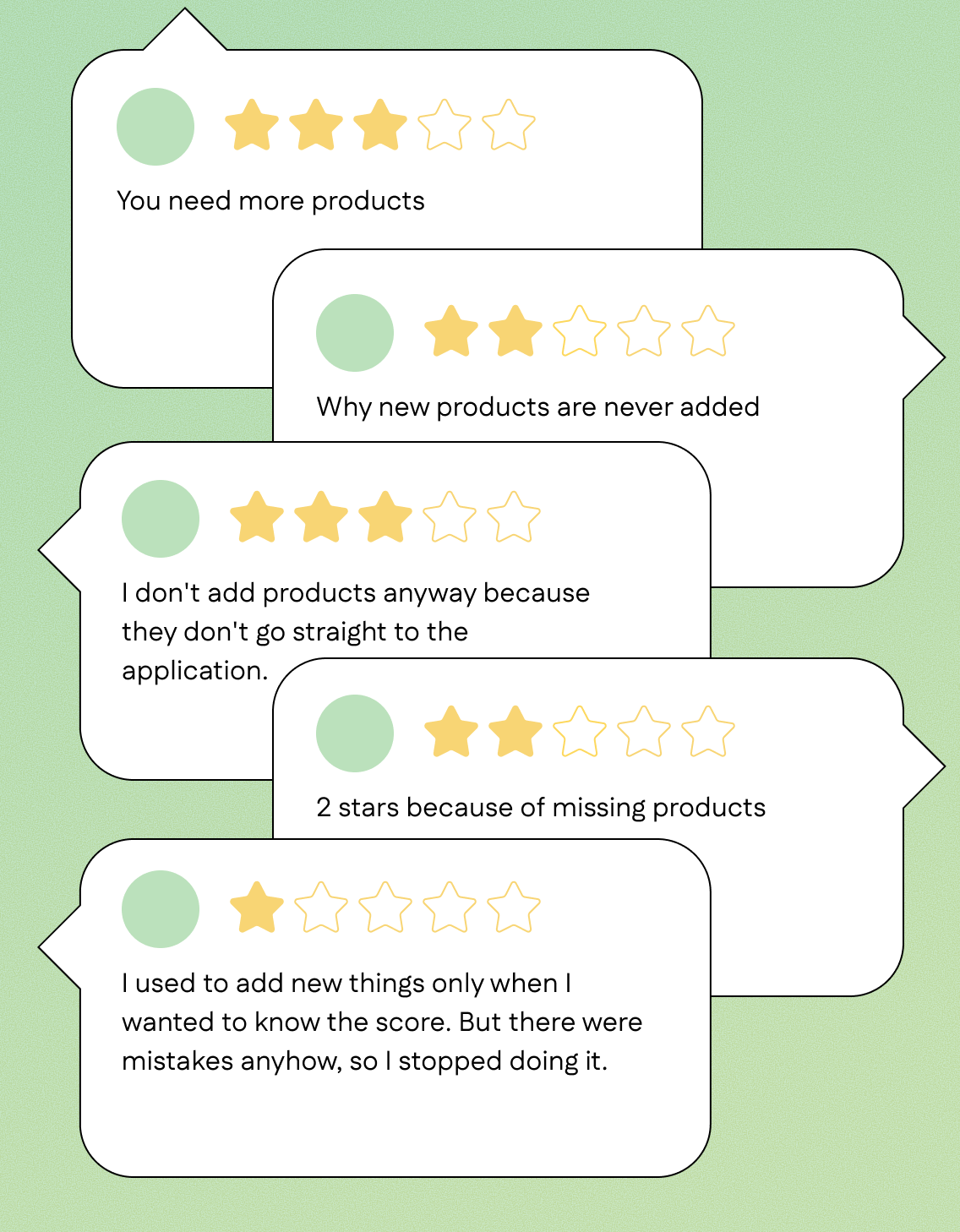
Missing products were the most common complaint in app store reviews.
We looked into the qualitative data and talked to a few power users to understand the problem better.
It turned out that users wanted the score right away, not a “new product” screen. They were fine with adding a product themselves from time to time, but they wanted the score back while they were still in the shop.
Screens with more than one line of instruction were skipped. The flow had to explain itself with visuals.
Every person we talked to asked “can’t I just take a photo?”. That’s how they already save things on their phones.
After submitting, nothing happened. People didn’t know if it went through, so they stopped trying.
If it took longer, users put the phone away. In a shop nobody has time.
If users can add a product with three photos instead of typing, and get the score while they are still in the shop, they will add missing products themselves.
In the new flow users take three photos instead of typing: the front of the product, the ingredient list and the nutrition label. OCR on the backend reads the data. Users don’t type a single character.
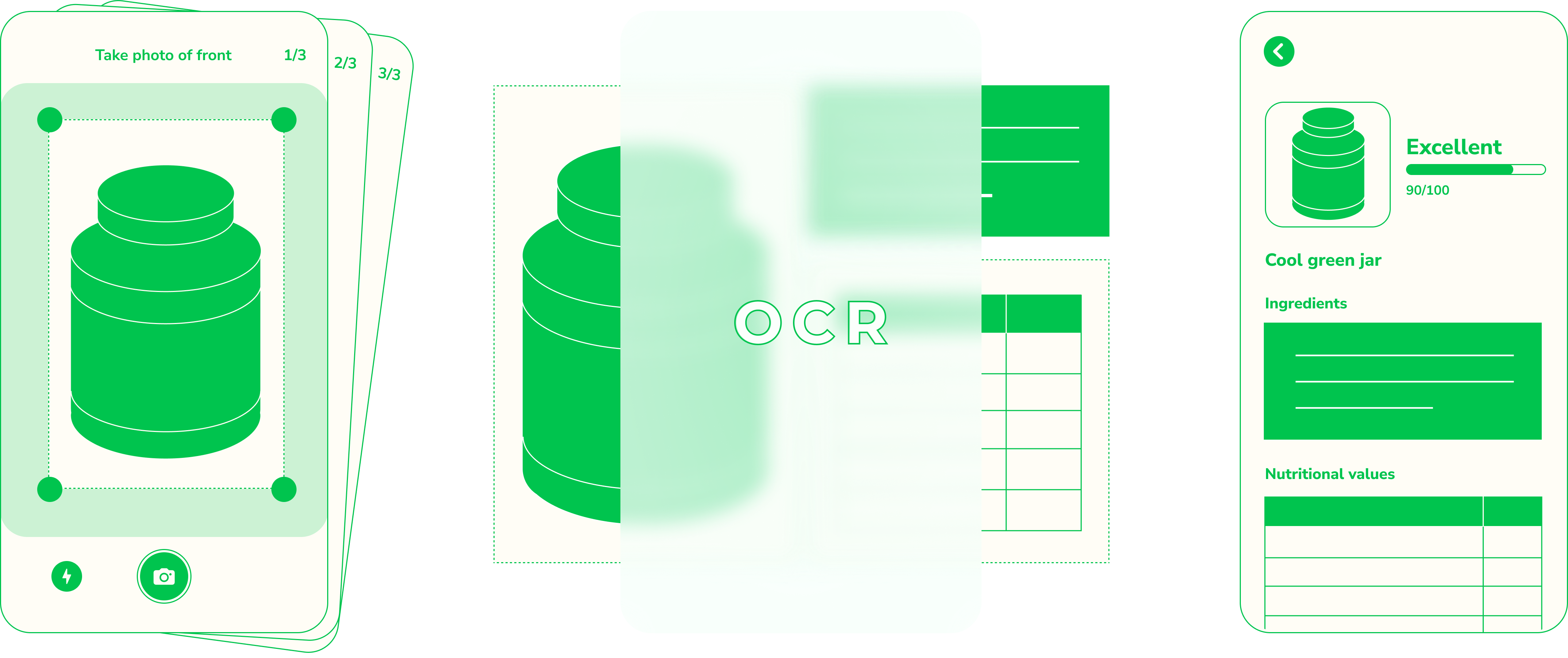
The user is asked to add 3 photos to add the product to the database.
Product front, ingredient list, nutrition label. Visual overlays show exactly what to frame.
Photos go to the backend. OCR extracts everything. Under 30 seconds total.
When the score is ready, the user gets notified. Their scan now works.
The share of scans ending on the “no product” screen dropped by 5 percentage points, from 20% to 15%.
I was one of the reviewers, so I saw the results directly: 95% of submissions showed the right product with correct data. We were scared that users would send inappropriate photos, but it didn’t happen.
Even if 3 photos sounds like a lot, it’s still smoother than the previous flow.
Some users complained that they had to wait several days for the approval. In the long run three photos should be enough to get a score, with no manual step in between.
Some users said the process was still long and they’d like it to be even faster, so we decided to remove some of the steps.
About 30% of users didn’t notice that this feature had changed, so we should think about an onboarding process.